Kafka Consumer Inspector
Track consumer lag by group, topic, and partition. Inspect members and assignments, then reset offsets or remove stale groups.
macOS Windows Linux
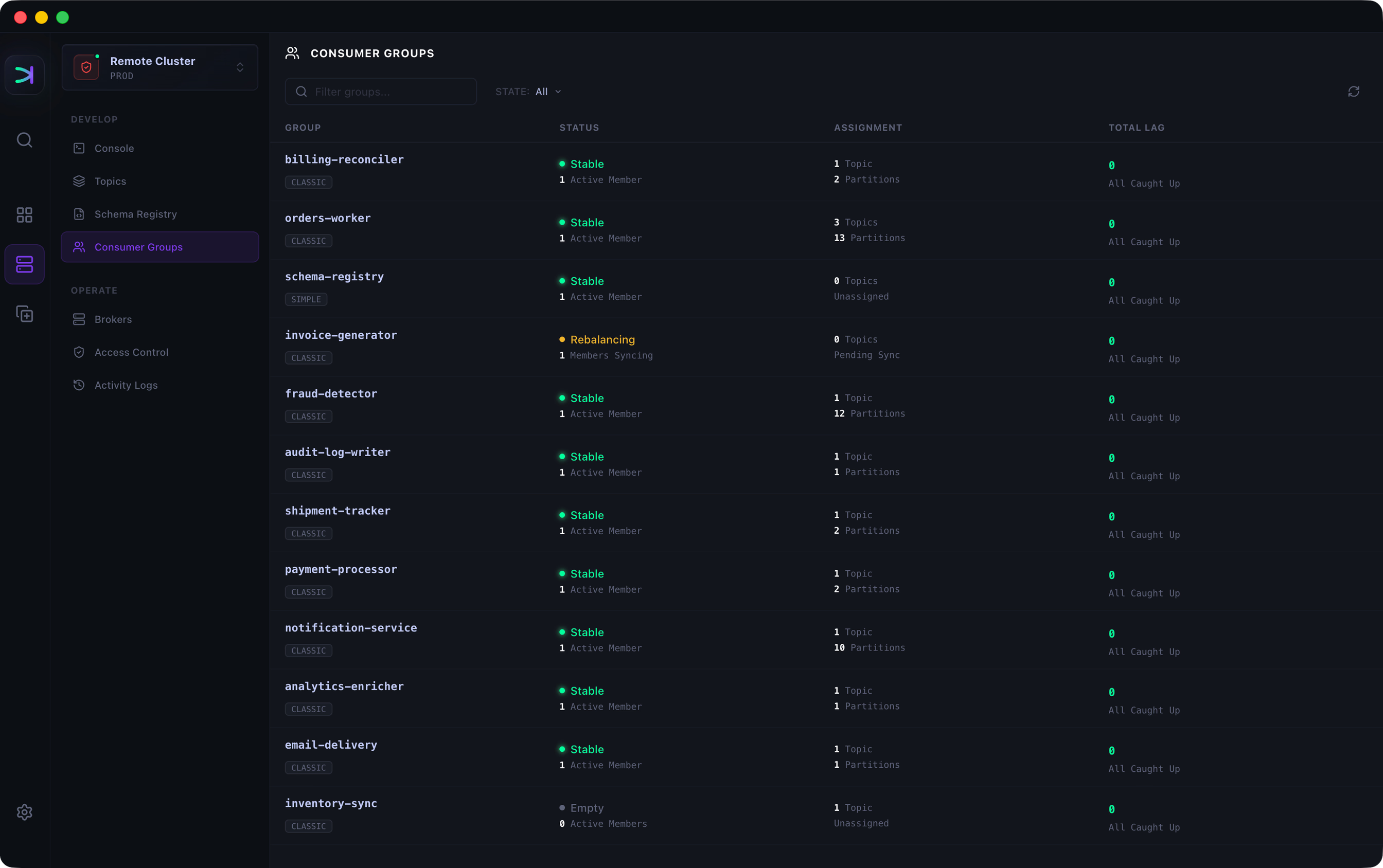
Track lag by group and topic
Total lag, max lag, and trend. Each topic shows its own lag total.

Inspect members and partition assignments
Member IDs, hosts, assigned topics and partitions, and lag.

Watch consumed and pending messages
See what the group has consumed and what remains, without joining it or changing its offsets.

Reset offsets by topic or partition
Earliest, Latest, Specific Offset, Datetime, or Shift By.

Ready to try the Kafka Consumer Inspector?
Available for macOS, Windows, Linux