The Kafka IDE Debug Fast, Replay Locally
A desktop Kafka GUI client that simplifies how you debug Kafka.
Intuitive. Simple. Elegant.
macOS Windows Linux
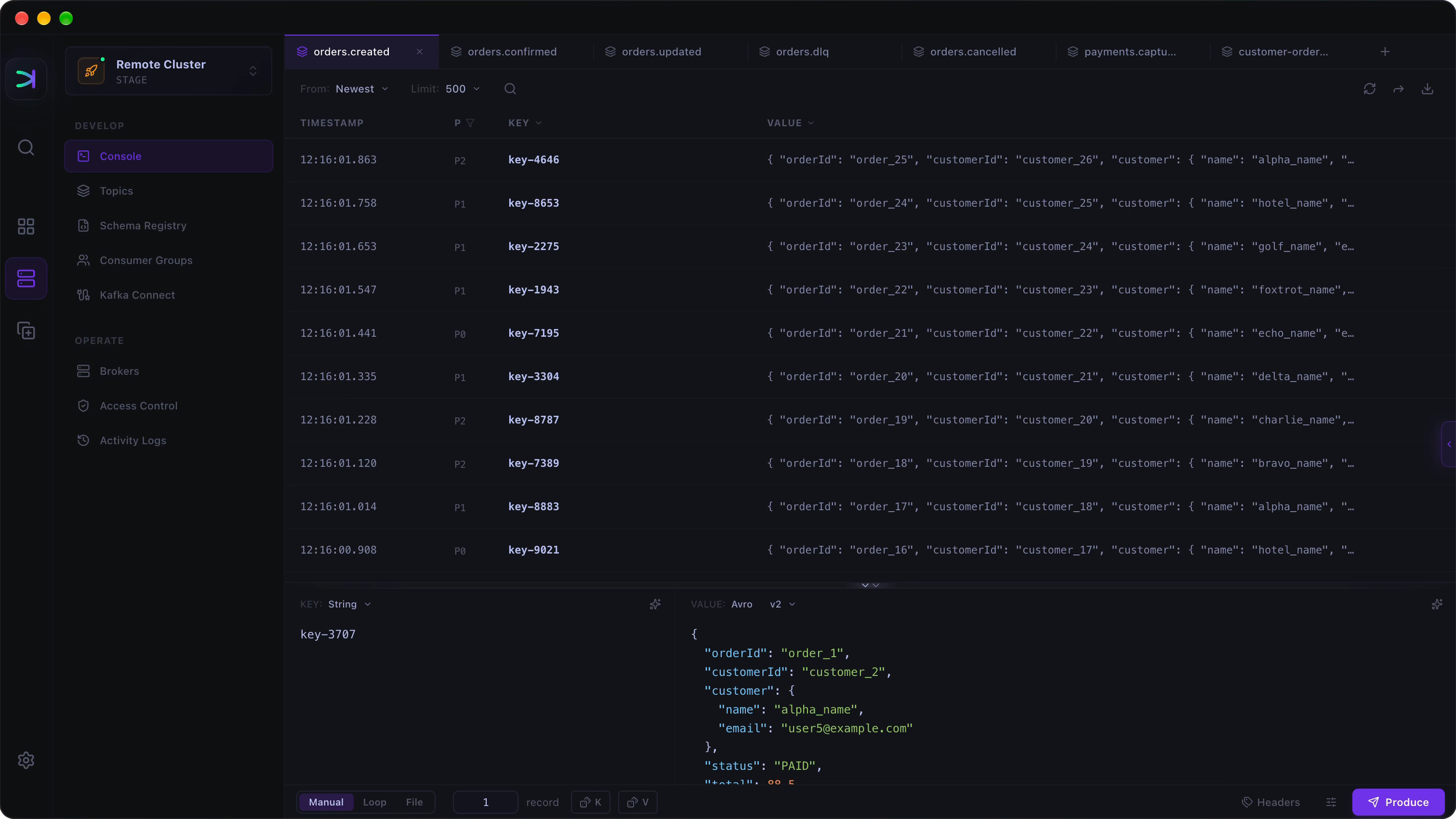
Console Producer and consumer,
Producer and consumer,
one tab.
Send manually or on a random loop from below, tail the live stream above — one tab, no context switch.

Decode anything.
Send it anywhere.
Avro and Protobuf decode automatically. Replay, forward, or export any message — one right-click.

Schema
Edit schemas like code.
Drafts diff against live automatically. Mock a payload from any subject, or Lab-test one to check it fits — then publish.

Data Clone
Replay prod bugs on your laptop.
Clone whole topics between clusters, schemas and all. Move a slice of prod into local Docker — the source stays read-only.

Consumer Groups
Inspect backlog, not just lag.
Track lag by group and topic. Watch consumed and pending messages — without joining the group.

And more
The rest of Kafka, built like Console.
Topics, cluster authentication, Kafka Connect, and Activity Logs — none of them an afterthought.