Kafka Connect Manager
Create, configure, and troubleshoot source and sink connectors across your Connect clusters. Validate configuration before applying changes, see why tasks fail, and check source offsets and sink lag.
macOS Windows Linux
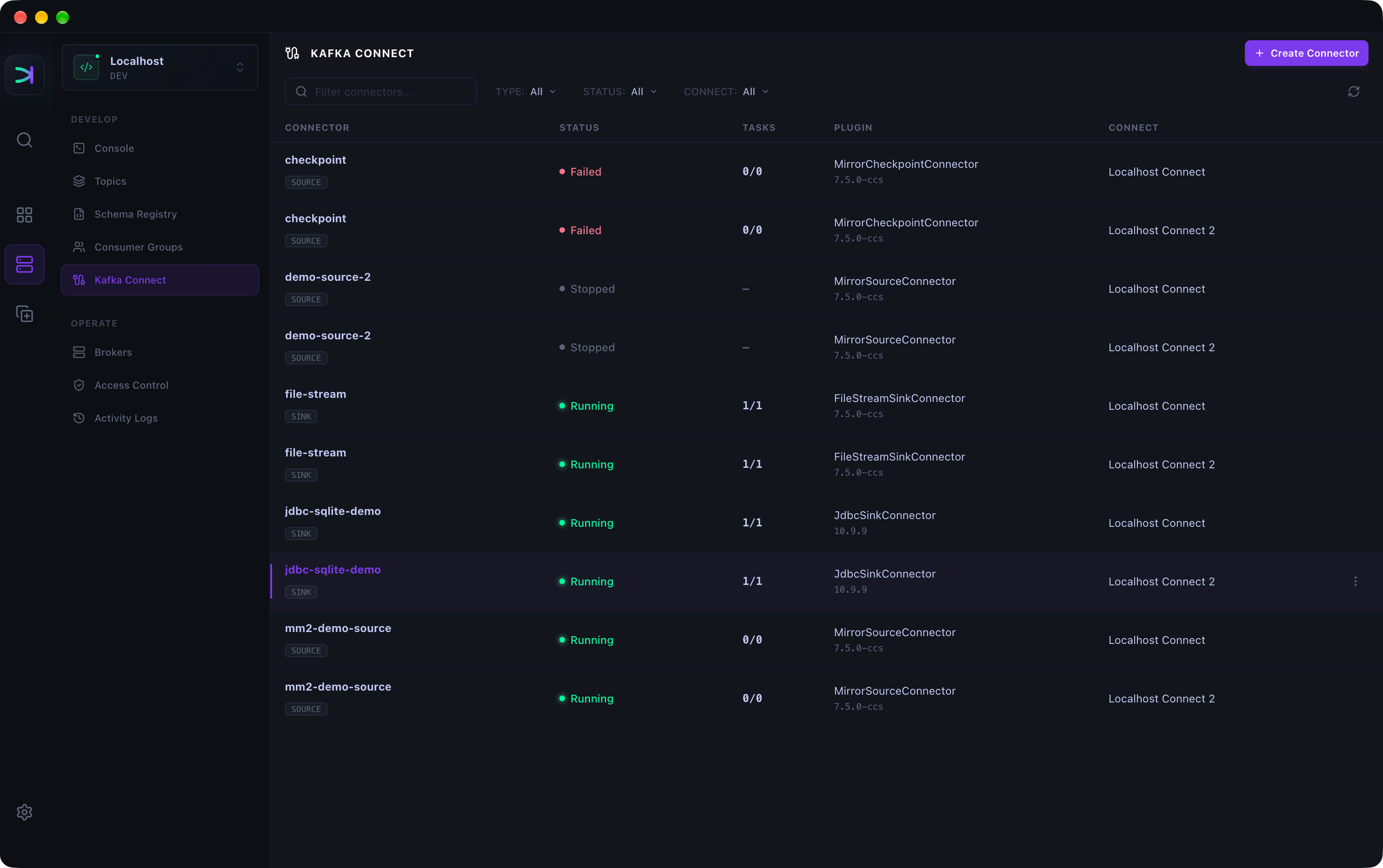
Create and configure connectors
Pick an installed plugin and edit in a form or as JSON. Kafka Connect validates every change first.

Pause, restart, and fix failing connectors
See why tasks failed, then restart only the failed ones or a single task.

Inspect source offsets and sink lag
See the offsets source connectors have committed and how far each sink is behind.

See which connectors use a topic
Open a topic to see which connectors read from it, have written to it, or send it failed records.

Ready to try the Kafka Connect Manager?
Available for macOS, Windows, Linux