Kafka Console

Produce, consume, and inspect messages in one workspace. Send batches, run loops, or produce from a file. Auto-decode Avro and Protobuf, then replay or export messages.
macOS Windows Linux
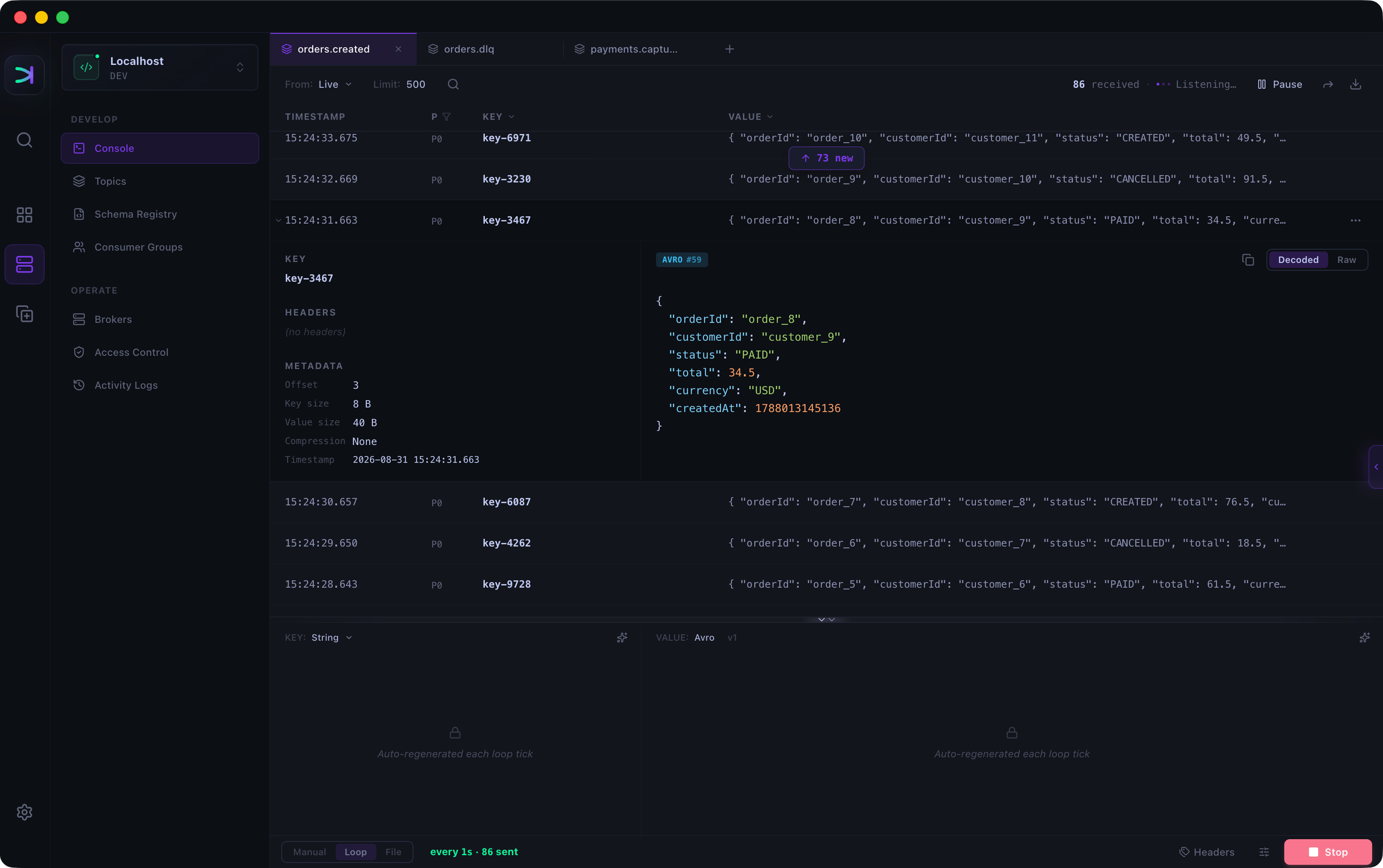
Kafma Kafka Console decoding live Avro messages while a producer loop runs

Produce and consume in the same tab

Each topic opens in its own Console tab. Switch between topics without losing context.

Kafma Kafka Console with multiple topic tabs, consumed messages above, and a producer below

Send batches, run loops, or produce from files

Generate schema-valid messages from Schema Registry, with headers and compression as needed.

Kafma Kafka producer running a message loop with generated Avro values and compression settings

Consume live or start from any point

Newest, Beginning, Offset, or Timestamp. Search by key or value and filter by partition.

Kafma Kafka consumer reading live messages with options to start from newest, beginning, offset, or timestamp

Decode Avro and Protobuf automatically

View decoded keys and values as JSON, or switch to raw bytes. Schemas come directly from Schema Registry.

Kafma Kafka Console showing an Avro message decoded as JSON with headers and raw bytes available

Replay, forward, or export Kafka messages

Reuse any message — no copy-paste.

Replay

Open an editable draft for any topic in the same cluster.

Forward

Send one message or filtered results directly to another cluster.

Export

Download a message as JSON, or filtered results as JSON, JSONL, or CSV.

Ready to try the Kafka Console?

Available for macOS, Windows, Linux